
 What nobody else tells you
Trades and crafts
Materials, travel, hours – at the end of the month you want to see what is left from the job.
Sumaro for small businessesSumaro is your control center for money – for estimates, invoices, receipts and bank. At night it works out what is really yours after tax and reserves, and through Ari it answers any question about it, without you having to search.
30 daysfree trial

Balance after reserves
€4,812
after VAT and reserves
Invoice sent, job done – but how much of the money in your account is really yours? Between two appointments with your tax advisor, most of it happens unobserved. Sumaro checks every night: bank reconciliation, dunning run, reserve – so you know before things get tight, not after.
You went self-employed because you want to do good work. Not to hunt for receipts, type invoices twice or chase open payments.
Never hunt for receipts again. Everything sits where you will find it later.
Write invoices in a few minutes. Check. Send. Done.
Always see what you have earned. Income, expenses and open payments at a glance.
Materials, travel, hours – at the end of the month you want to see what is left from the job.
Sumaro for small businesses
Estimate, project, invoice – without typing the same data three times and without chasing open payments.
Bookkeeping for freelancers
Projects, retainers and hourly rates – at the end of the month it should be clear which client really pays the bills.
Sumaro for service providers
Clean from day one instead of tidying up later: a reserve from the first invoice, thresholds in view before you reach them.
Understand the small business rule
Kleinunternehmerregelung (the German small business rule), thresholds in view, no nasty surprise when you switch to standard VAT.
Sumaro for the self-employedE-invoicingRequired since 2025
XRechnung and ZUGFeRD come from the same invoice you write anyway.
Learn more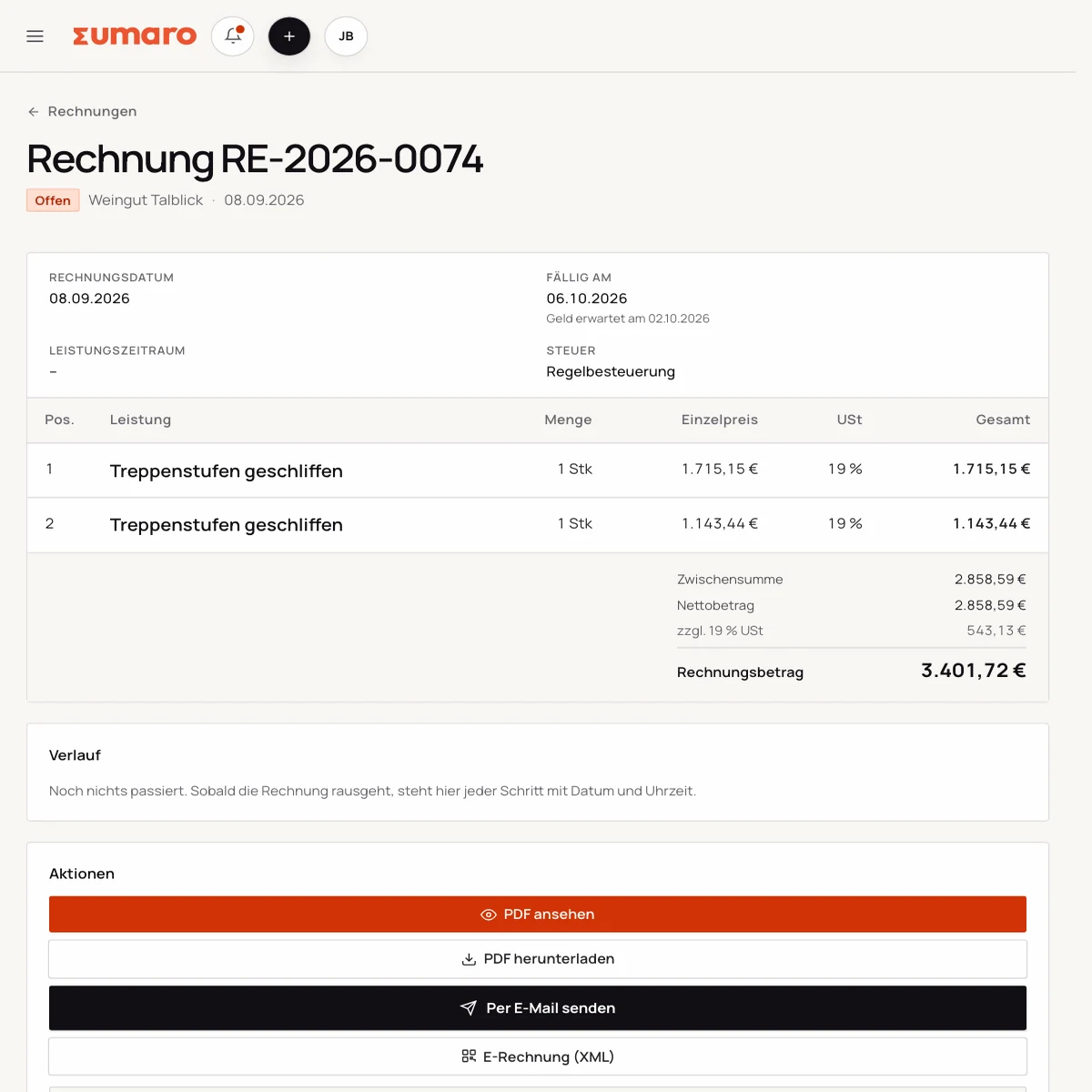
Receipts and bank
Upload or photograph receipts. Sumaro reads the details and prepares matches. You check the result; bank transactions come in via CSV import.
Learn more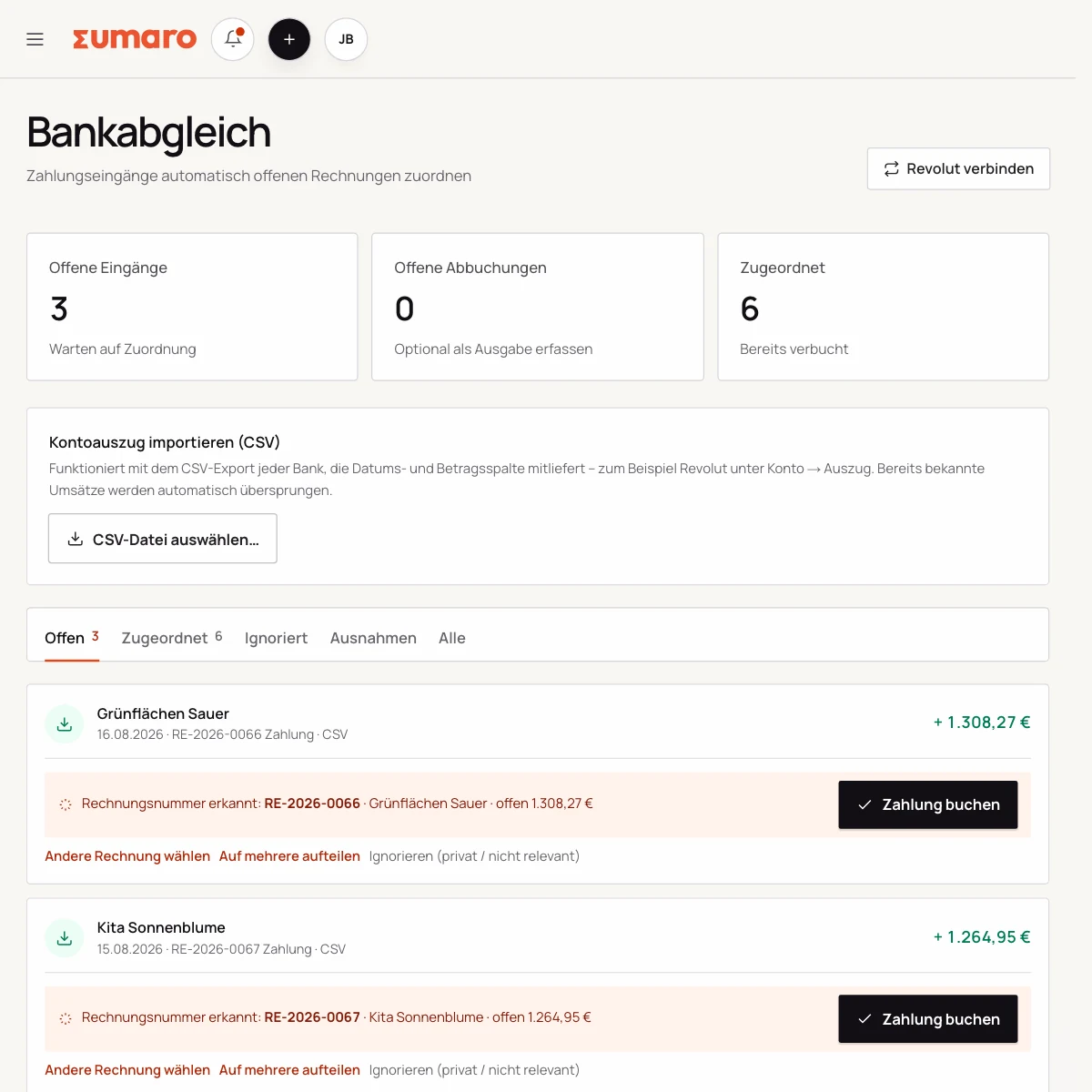
Tax reserve
Sumaro estimates your tax reserve from the data you have entered and takes matched tax payments into account.
31%Example calculation – depends on your figures
Learn moreAriNew
The assistant in the bottom-right corner of the app: it answers questions from your own invoices, clients and accounts – creates drafts, edits or duplicates them and creates new clients. Approval stays with you.
Learn morePick an area and see what Sumaro checks there for you every night.
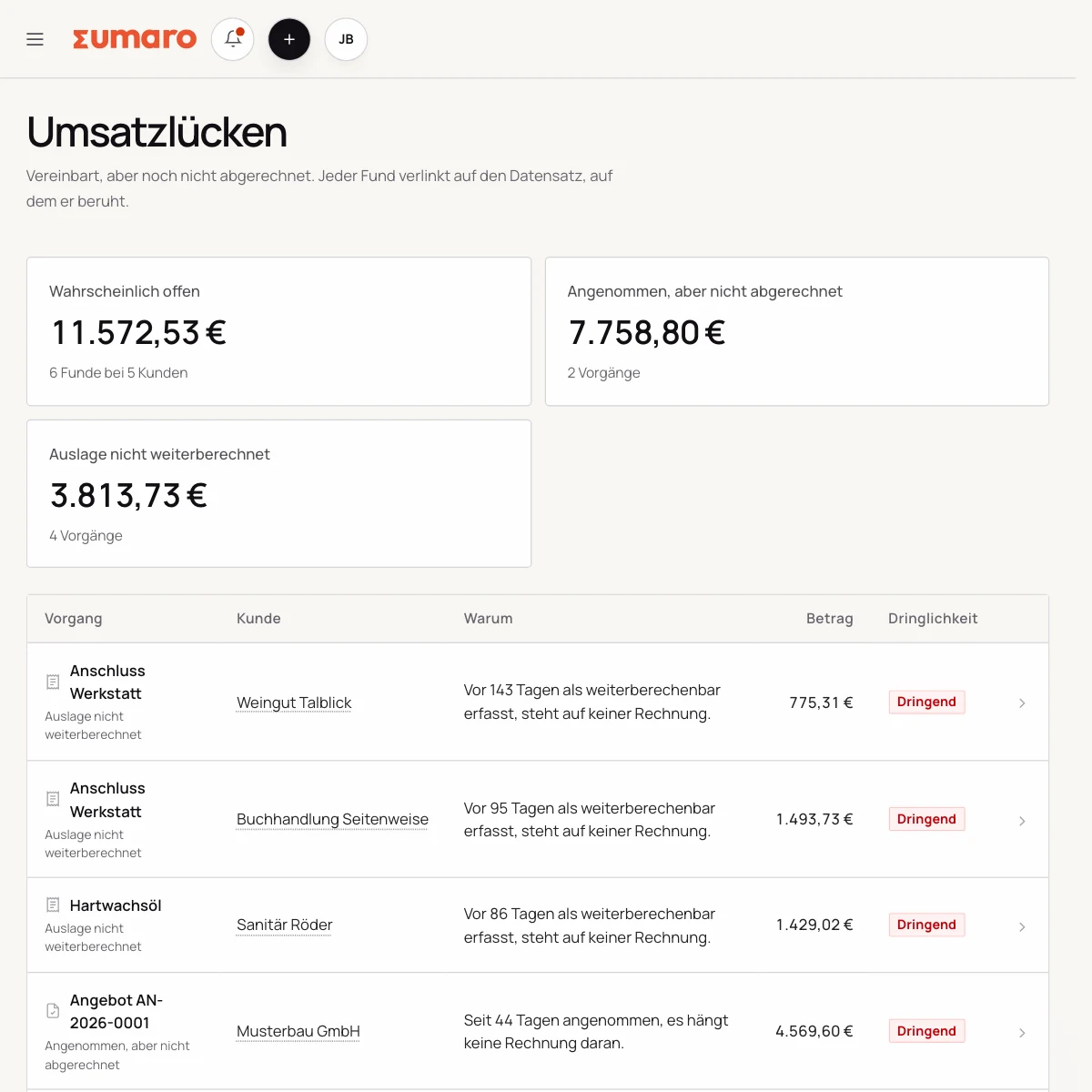
You can see an open invoice. An invoice that was never written shows up nowhere. Sumaro looks for them and gives you an amount – with a reason for every find.
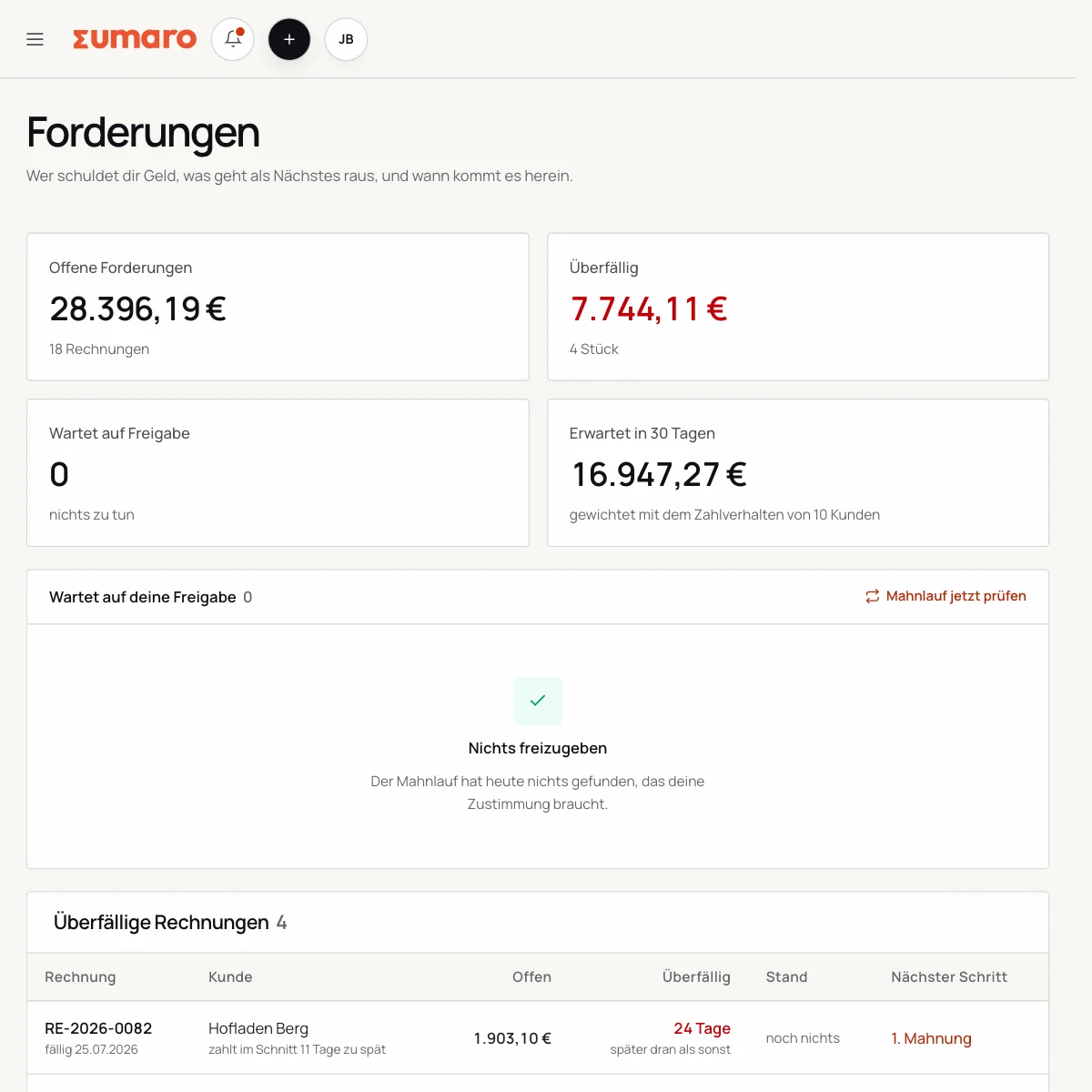
From paid invoices, Sumaro learns how many days a client usually takes and shifts the expectation accordingly. Before any dunning letter comes the context: is this client out of character – or just paying the way they always do?
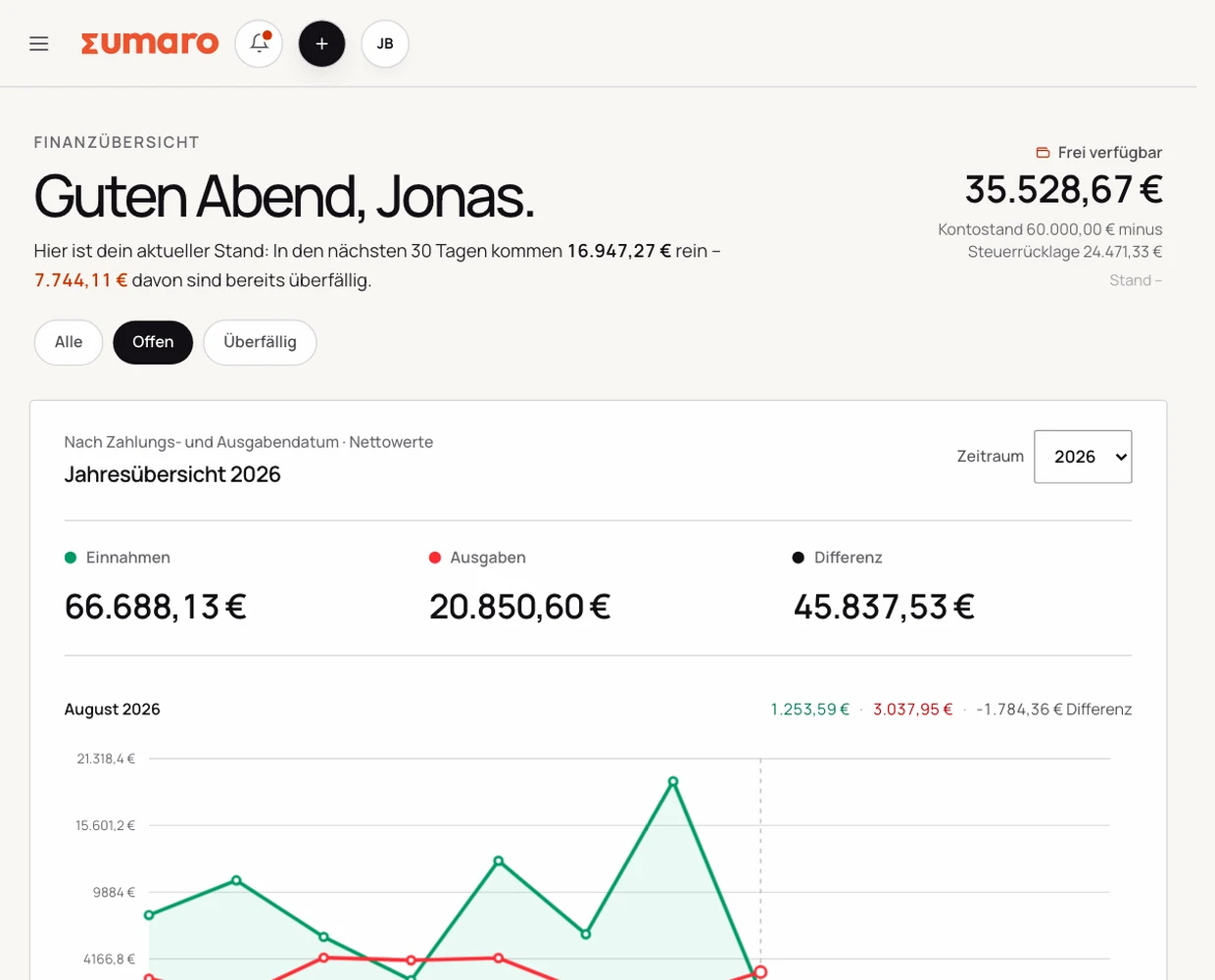
VAT and the tax reserve are not free money. Sumaro takes both out and keeps apart what is expected and how much of it is already spoken for.
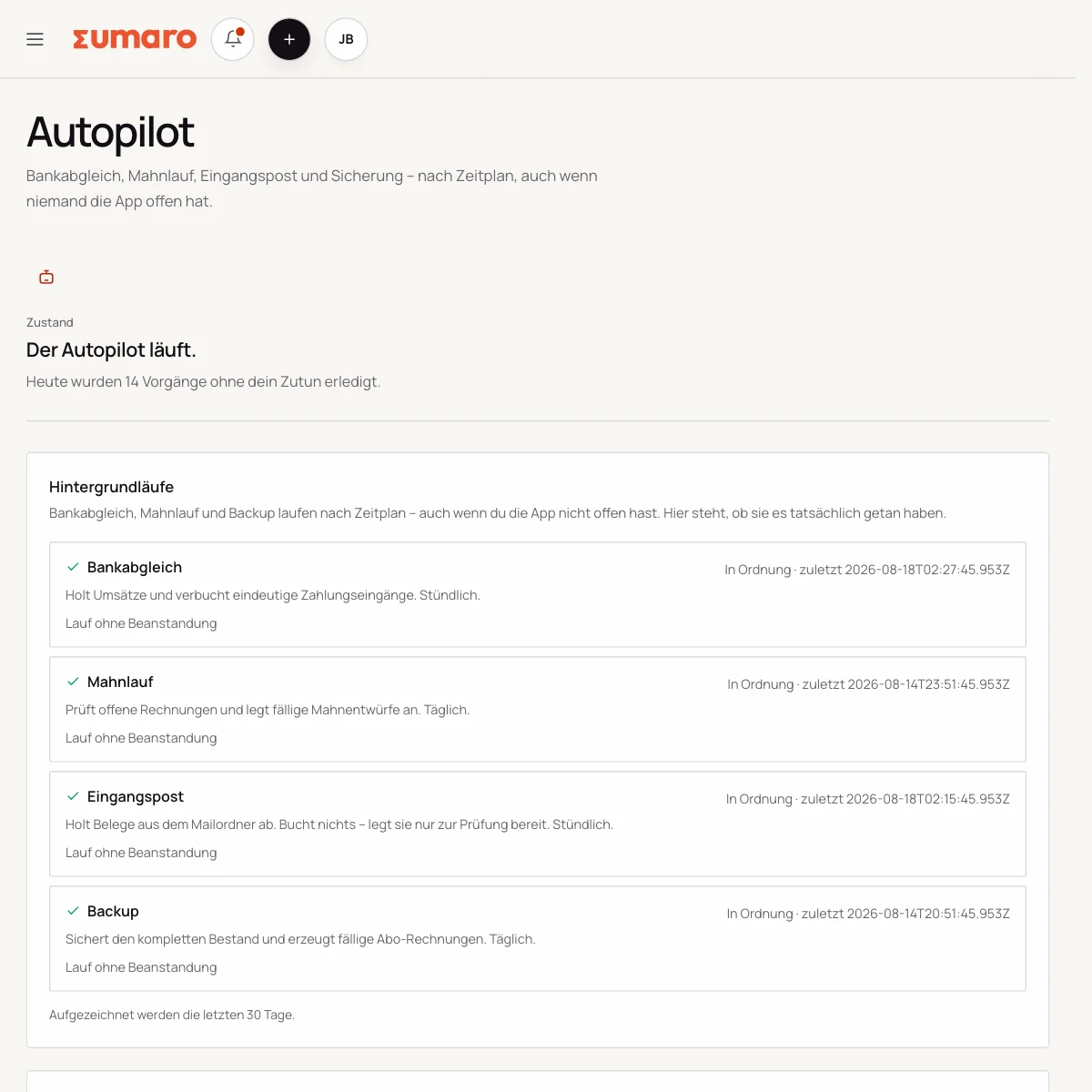
Bank reconciliation, dunning run and receipts inbox run on a schedule, even when nobody has the app open. One page shows what has run, what is stuck – and what piles up if you switch something off.
No switching between your invoice list and your bank account. Sumaro shows you what is open, what can be matched and which task should be checked next.
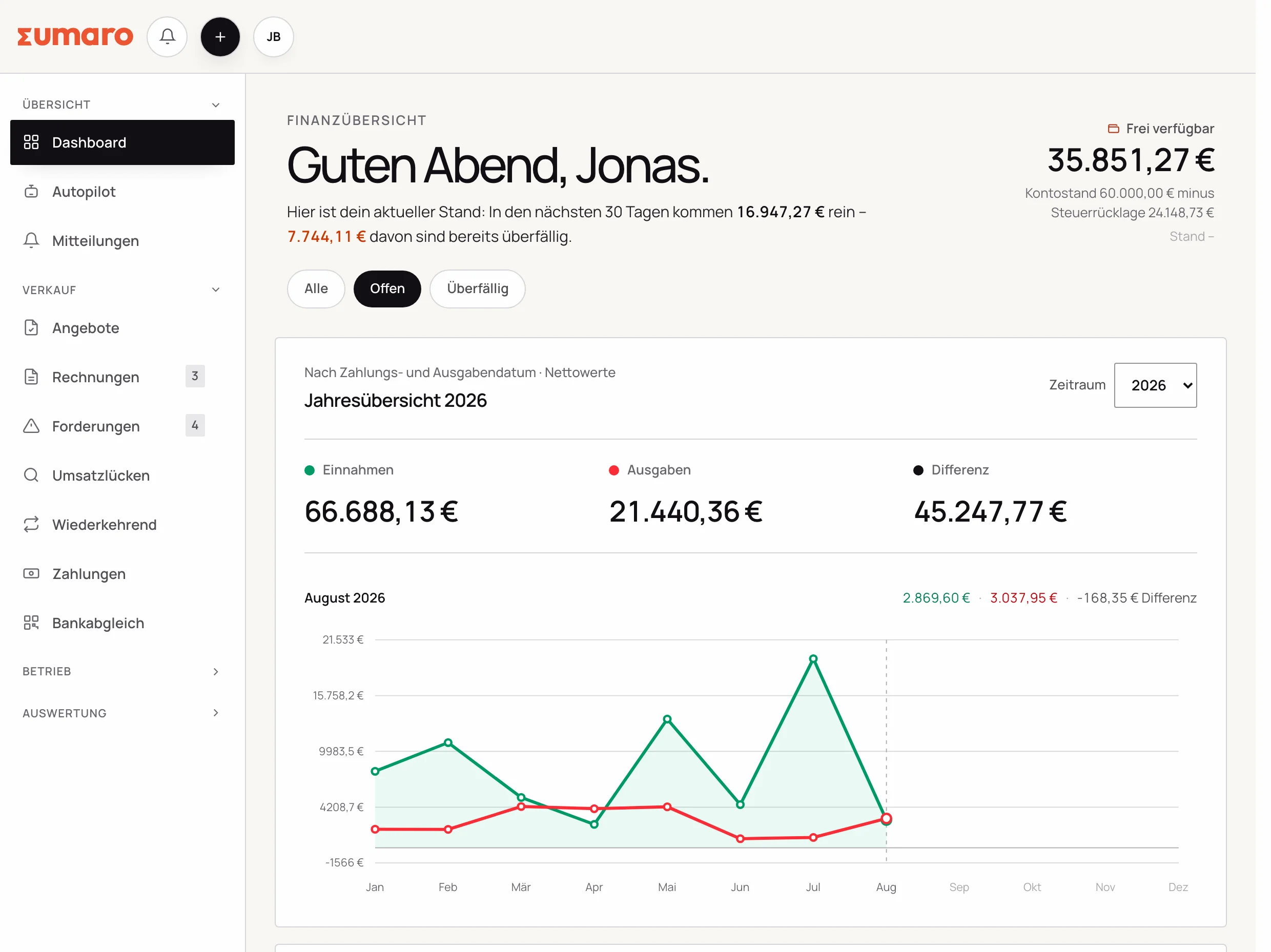
Three sentences that elsewhere sit in the fine print. Here they come first: you should know where you stand before the trial.
What Sumaro can do is listed under Features. The two belong together.
Dunning letters, reminders and e-invoices are created at night as drafts. Whether they go out is your decision – even if you don’t look in for three weeks.
It prepares their work: receipts collected, monthly package put together, missing documents listed. The professional assessment stays with your tax advisor.
The expected payment date is learned from your data, not guaranteed. That is why calculated and estimated figures stay separate everywhere.
We also show our own numbers openly – what the search engine work on Sumaro costs and what it brings in is in the guide. For the same reason: anyone who wants to know what is theirs should also know who they are dealing with.
No feature promise without context. Here is what Sumaro prepares, what you check and how getting started works.
No. The dunning run happens at night and prepares reminders and dunning letters as drafts. Whether, when and in what tone they go out is up to you – even if you don’t look at the app for a while.
No. Sumaro collects receipts, invoices and payments as you go and, on request, packs them into a monthly package with a list of missing documents. If your DATEV consultant and client numbers are stored, it can include a DATEV posting batch whose account mapping you agree with your tax advisor. The professional assessment stays with them.
You bring your client list as a CSV: you map the columns yourself, see every row with its number from the file and decide on duplicates yourself. The process has been tested on a real Lexoffice export with 35 columns. If you are coming from DATEV or Lexware, Sumaro also takes over your outgoing invoices with real line items and their own Sumaro number. Estimates and receipts deliberately stay in the old program – that is what the cut-over date is for.
With any bank: you import your bank statement as a CSV, whatever the bank, and in the same step clear-cut incoming payments are matched automatically. That is deliberately the only way – no direct bank connection, but it works no matter which bank you are with.
The trial ends on its own – payment only starts when you actively decide to continue. After that, Sumaro costs €19 per month plus VAT and you can cancel any month. You can export your data as a complete backup at any time.
Invoices, receipts and open payments: Sumaro keeps it all together for you. So you can focus on the work you went self-employed for.