Skip to content
XML invoice

Create XRechnung without maintaining data twice for the export.

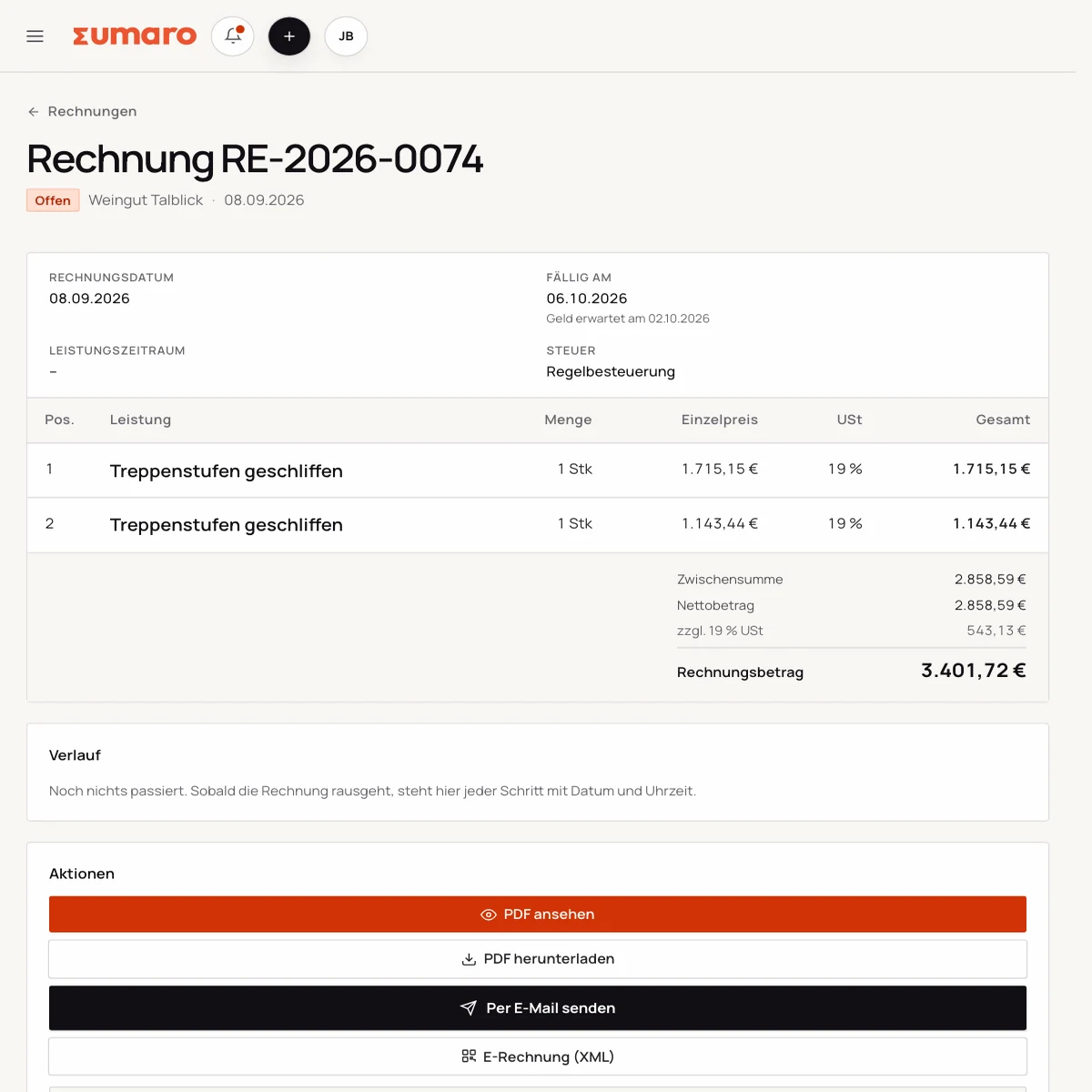
Sumaro carries the invoice details you already know all the way to the structured XML file. References, service data and payment stay visible in the same process.

  • XML-based output
  • Structured invoice fields
  • Can be prepared for B2B and B2G workflows
XML-based output
Structured invoice fields
Can be prepared for B2B and B2G workflows
Controlled approvals
The problem behind the problem

An XML file doesn’t help if the underlying data is incomplete.

Leitweg-ID (the routing ID required by public-sector recipients), buyer reference, date of service and payment details must match the recipient. If you pull this information together from different files, the risk of errors and rework rises right before sending.

How Sumaro solves it

The right details in one place – the export as the last step.

Step 01

Complete data instead of rework before the XML export

A good XRechnung doesn’t start at the download. Complete master data, unambiguous line items and a clear tax treatment are the foundation.

  • Sender and recipient complete
  • Describe the service precisely
  • Add payment details and due date
See the workflow
E-invoice output in Sumaro with a choice between XRechnung and ZUGFeRD
Step 02

Enter and check references in one place

Public authorities may require additional details such as a Leitweg-ID or a purchase order reference. Different requirements apply in B2B. Clarify the required fields with the recipient.

  • Check the buyer reference
  • Agree on the recipient’s channel
  • Check the file before sending
See the workflow
Step 03

Keep the XML file, due date and payment together

The structured file remains part of your invoicing workflow. Status, due date and payment don’t disappear into a separate export folder.

  • Track document status
  • See the open payment
  • Trace activity
See the workflow
Finance cockpit · Time saved

Less follow-up work after every job. More time for your business.

Sumaro brings automation, AI help and a financial overview into one workspace. You copy less from one place to another and review the items where your decision really counts.

The actual time saved depends on your workflow. That is why you can measure it during the trial: time your current monthly routine once, then run the same client case in Sumaro and compare the review steps that remain.

AI help for estimates requires an enabled AI configuration. Sumaro deliberately describes automation and AI separately.

See Autopilot and the finance cockpit →
01

Recurring invoices

Sumaro creates due invoice drafts in advance, with service period and payment terms, for you to review.

02

Incoming payments

You import bank transactions as a CSV. Sumaro reconciles the imported transactions and matches unambiguous incoming payments to open invoices.

03

Reminders and dunning letters

The daily dunning run prepares the letters that are due. Nothing is sent until you approve it.

04

Receipts inbox

Receipts from the monitored mailbox are collected regularly in one place for review.

05

Financial bearings

Payment horizon, revenue gaps and an expected tax reserve show what matters next.

In short: Sumaro cuts the business follow-up work where it repeats every month. The Autopilot prepares plannable tasks, the AI helps with estimates, and the dashboard organizes incoming payments, open items, revenue gaps and the tax reserve. Critical steps deliberately stay reviewable, so you save time without giving up control.

In practice

What actually counts day to day.

Collect B2G references before the export

With public-sector clients, the Leitweg-ID, purchase order number or contract reference can be decisive. Ask the client for these details and store them on the right project. A formally valid XML file does not become correct if a reference was guessed or copied from an old job.

Before sending, check recipient, issuer, service period, amounts, payment details and references in a fixed order. For a small business, this checklist is more reliable than hoping a portal will explain every error clearly.

Validator, proof of sending and archive

A validator can find technical errors, but it does not replace checking the content. Open the generated file, compare the visible details with the XML structure and save the result with the original document. If the invoice is submitted through a portal, the portal’s acceptance or error message also belongs to the record.

If a client asks for a corrected file, the first version is kept. The new invoice or correction refers to the original transaction. That way your tax advisor can later see which file was used and when.

XRechnung as part of your receivables process

The work does not end with the export. Due date, incoming payment and any client questions stay visible on the client and project. A structured file that disappears into your downloads folder does not help you with dunning.

That is why Sumaro links the XML export to status and payment flow. The system makes no legal assessment and claims no certification; it makes the actual steps traceable.

From a test case to a repeatable workflow

Store the requirements of your first B2G or B2B recipient on the project and use them only as a checked template. For a new job, you still check the date of service, amount and references. That way you carry over experience without blindly copying old data.

After a successful test, the file, validator result and proof of sending stay together and easy to find. This small bit of documentation makes later questions and corrections much easier.

Questions before you start

What you want to know before the trial.

No feature promise without context. Here is what Sumaro prepares, what you check and how getting started works.

Which details should I have ready for an XRechnung?

Depending on the recipient, you may need a Leitweg-ID (routing ID required by public-sector recipients), a buyer reference, a purchase order number and service details. Sumaro keeps these details on the record; you check them before exporting.

Is a generated XML file automatically valid?

No. A technical export does not replace the recipient check or a review of the invoice content. Test the file and the delivery route with a concrete case.

The next step

Test your first XRechnung case within 30 days.

Create a job, record the recipient’s requirements and check the generated file before sending. No contract, and with a clear approval at the steps that matter.