Step 01
Prepare and check your client list as CSV
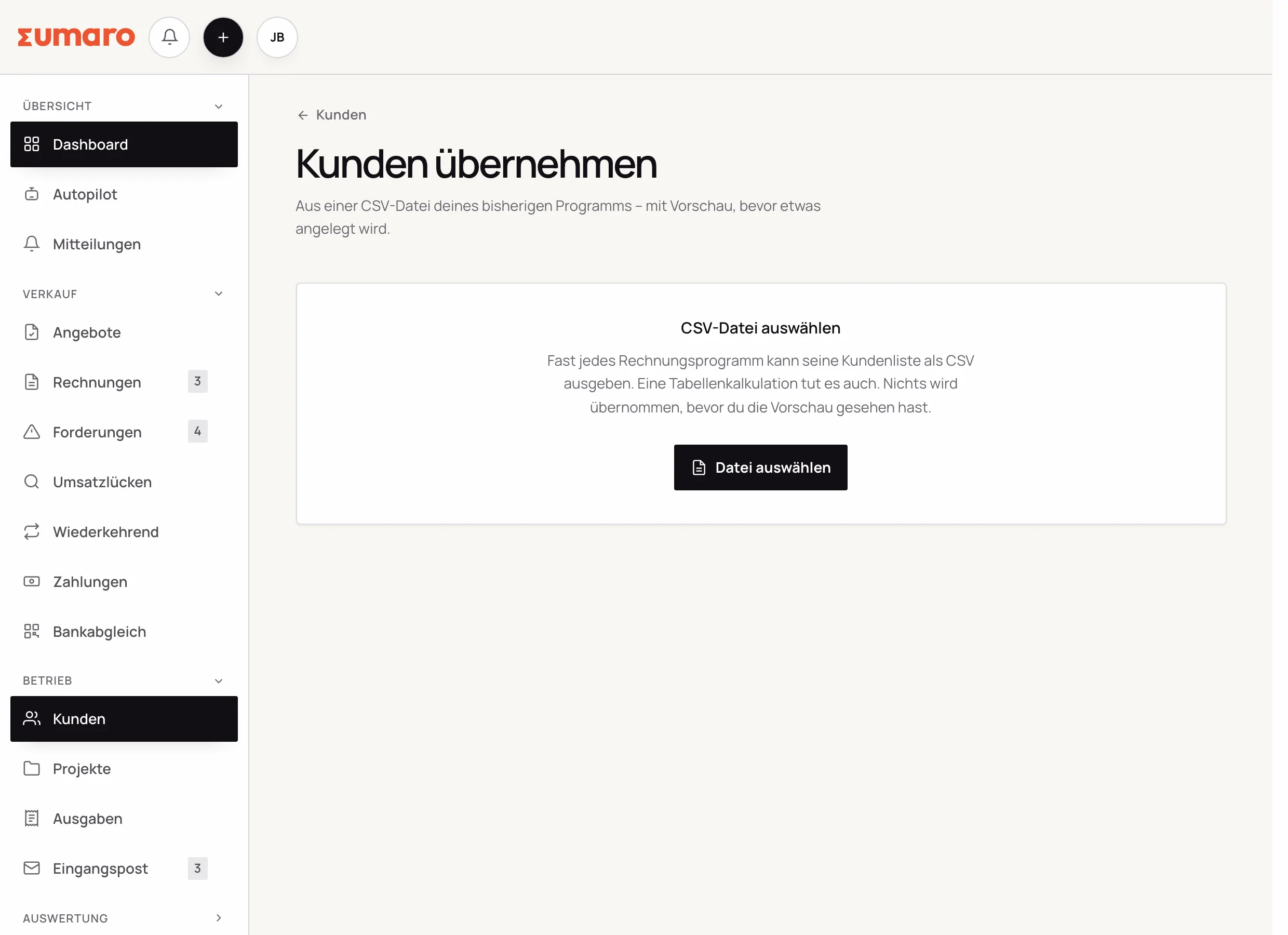
If your clients are in Excel, export the list as CSV. Map the columns to the matching fields in Sumaro. In the preview, you check addresses and spot possible duplicates. Only after you confirm are the selected records imported. Alternatively, add your first client by hand.
- Upload a CSV instead of an Excel workbook
- Map the columns in the preview
- Check for duplicates before importing