
Every feature, one goal: in the end, you know what’s yours.
Estimates, invoices, receipts and bank – Sumaro keeps the business side together and works out every night how much of your account balance is really yours after tax and reserves.
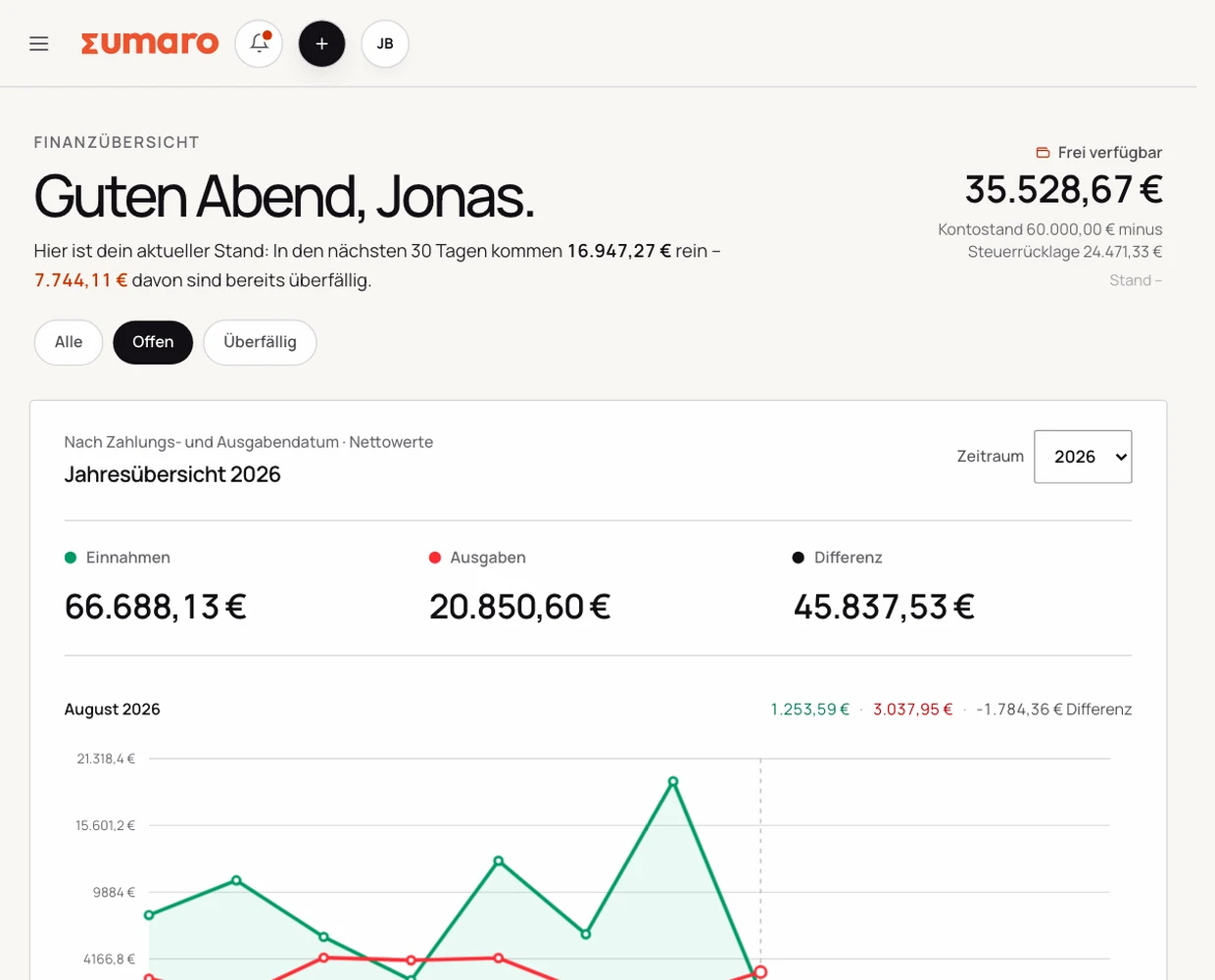
Pick the area where you want less follow-up work.
Every feature follows the same principle: carry details forward, prepare the work and check the important steps yourself.
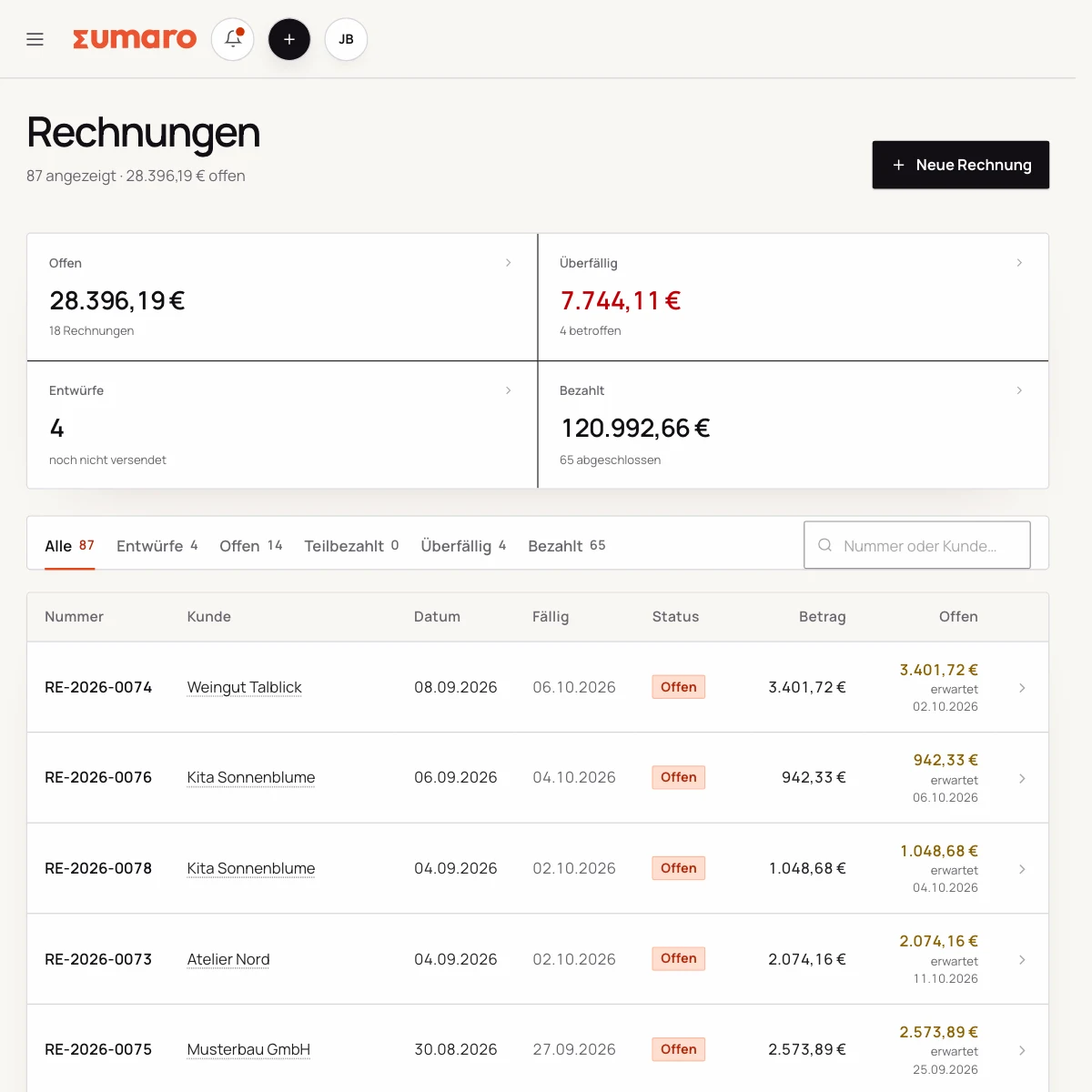
Write invoices without re-entering every job.
Clients, projects, estimates and line items stay connected when an accepted estimate becomes a billable job.
- Client and project overview
- Estimates with line items
- Carried over into the invoice
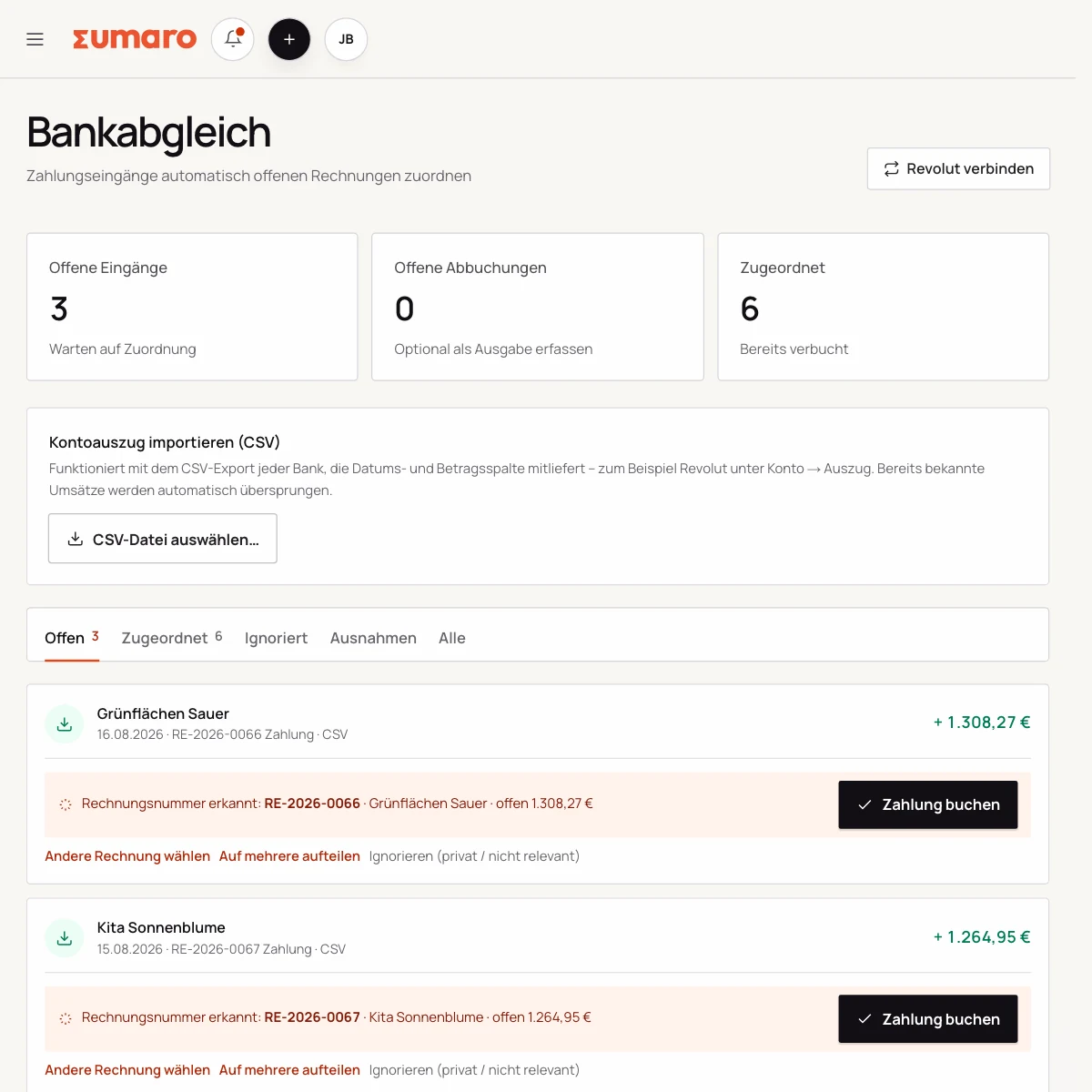
Bring receipts and bank transactions together before month-end has to go looking.
Collect incoming receipts, assign expenses and check clear-cut incoming payments right where the transaction already lives.
- Receipt capture and receipts inbox
- Expense categories
- Bank reconciliation and monthly overview
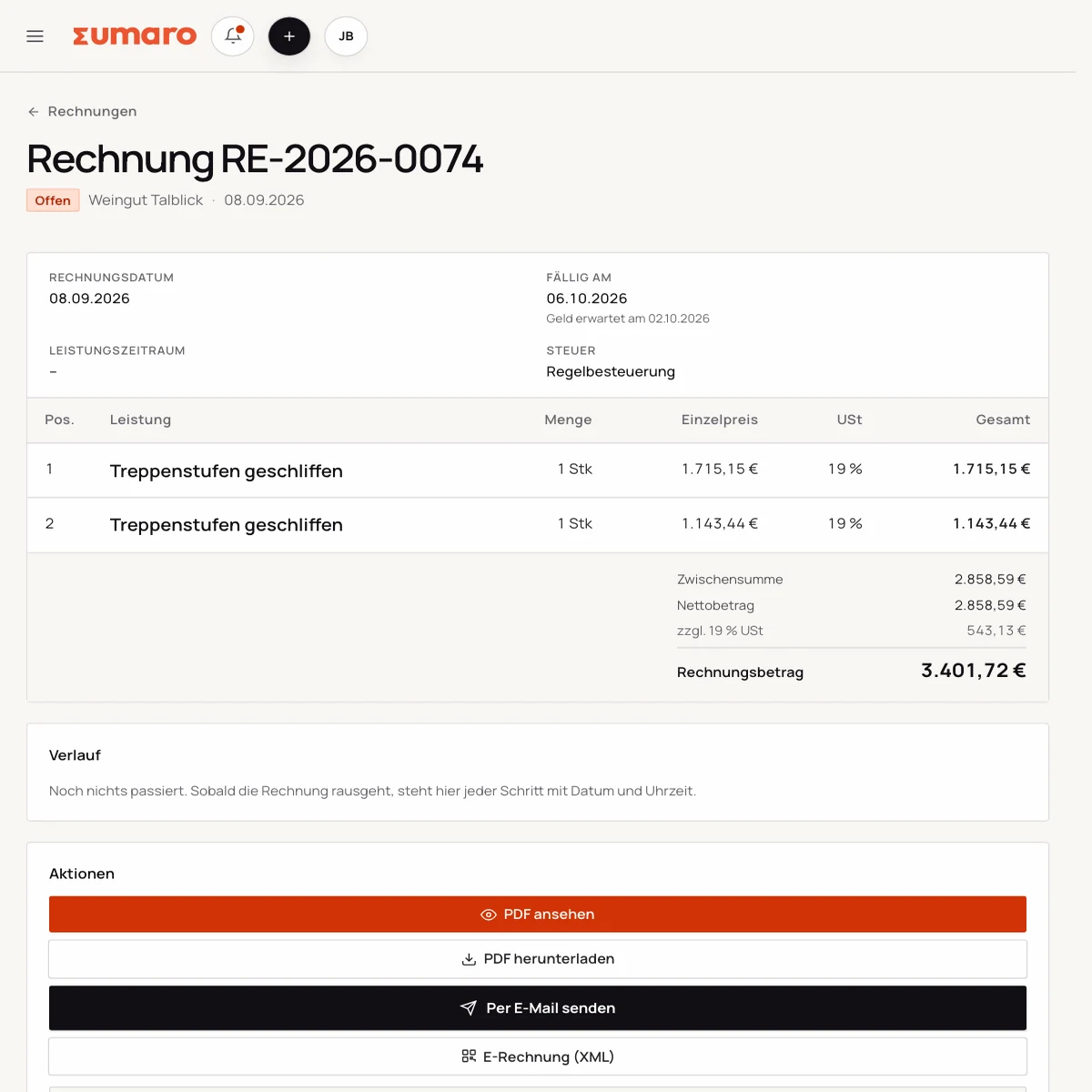
Create e-invoices from the same workflow.
XRechnung and ZUGFeRD use the same invoice data. You check the details and the export before you pass it on.
- PDF invoices
- XRechnung and ZUGFeRD
- Structured invoice data
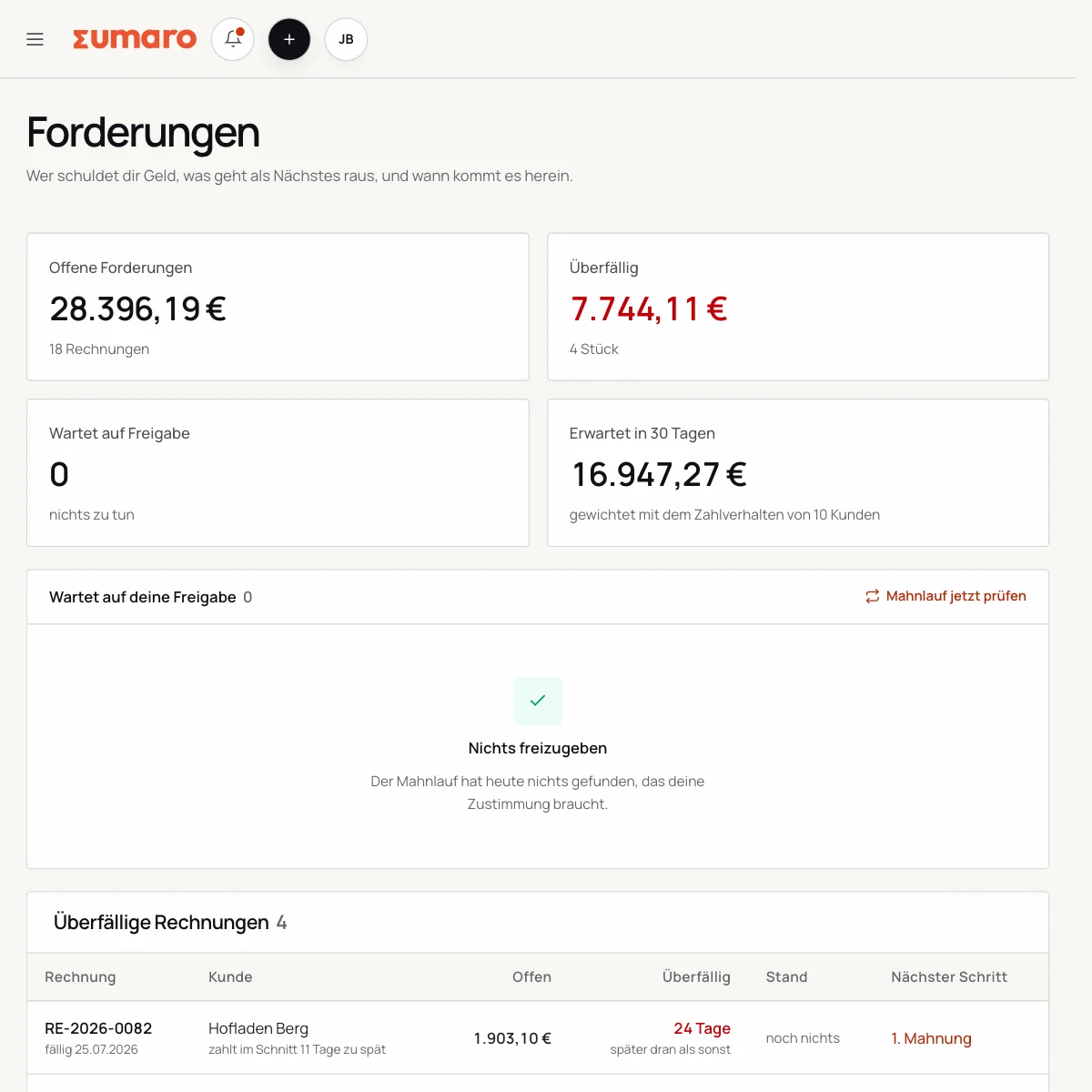
See open payments before they go stale.
Due dates, incoming payments and prepared reminders sit in context. Sending stays your decision.
- Open and overdue invoices
- Match payments
- Prepare dunning letters
The full feature set
Every line here is tied to a place in the product. Anything critical – sending, dunning, posting – waits for your approval.
Selling
Write estimates
Line items, sections and validity – the accepted estimate becomes the invoice without re-entering everything.
Create invoices
Client, project and line items stay connected instead of putting every job together from scratch.
Recurring invoices
Set the interval and service period once; due invoices arrive as drafts for review.
Client management
Master data, contacts and past payment behavior in one place.
Client portal
Your client opens the estimate via a link, asks questions and accepts it with a signature.
Projects
Assign expenses and estimates to a project with a budget. No time tracking.
Getting paid
Open receivables
What is due, what is overdue and what is expected in the coming weeks.
Dunning in five levels
From the advance reminder to the final dunning letter. You set the levels, deadlines and delivery method yourself.
Dunning context, not just the calendar
Not only that an invoice is overdue – but whether the client is falling outside their own payment pattern.
Late payment costs
Interest under § 288 BGB (German Civil Code) and the €40 flat fee are calculated per receivable.
Bank reconciliation
Sumaro matches clear-cut incoming payments. Everything else stays a suggestion that you check.
Split a combined transfer
Distribute one transfer across several invoices, down to the cent.
Receipts and expenses
Capture receipts
From the monitored mailbox, by drag and drop or photographed straight from your smartphone – if no text rule finds anything, an AI reads it automatically.
Read receipts
Every recognized value shows where it came from: the e-invoice, the PDF text or image recognition.
Detect duplicates
A receipt and the bank debit for the same expense are suggested as one, instead of being counted twice.
Expenses and categories
Flag expenses you can pass on so they don’t sit there unbilled.
Knowing what’s left
Balance after reserves
What is left of your account balance after VAT and reserves. Requires an account balance – your CSV export provides it with a balance column.
Tax reserve
The calculated VAT liability plus a percentage of your profit, recalculated every night.
Early warning
Sumaro tells you when the reserve is closing in on your account balance.
Revenue gaps
Accepted estimates without an invoice, expenses not billed on, drafts left behind.
Payment forecast
When a client typically pays – learned from their own past payments.
Reports
Advance VAT return (Umsatzsteuer-Voranmeldung), EÜR (cash-basis profit statement) and revenue per client for the selected period.
Requirements and handover
E-invoicing
Structured invoices from the same workflow as the PDF – required in business-to-business transactions since 2025.
XRechnung
UBL 2.1 according to EN 16931, straight from the finished invoice.
Factur-X / ZUGFeRD
Invoice XML embedded in the PDF: one document that both people and systems can read.
Traceable records
Finalized invoices stay unchanged; monthly archives are never overwritten.
DATEV monthly package
Posting batch in EXTF format, once you have agreed the accounts with your tax advisor.
GiroCode
Every invoice carries a QR code – your client scans it in their banking app.
Taking work off your plate
Autopilot
Bank retrieval, receipt intake, dunning run and reserve run at night on a schedule.
Autopilot reports failures
If a nightly run doesn’t happen, Sumaro tells you – instead of silently doing nothing.
Ari, the assistant
Ask your numbers in the chat. Ari answers from your own data, creates drafts, edits or duplicates them and creates new clients.
AI estimate draft
A few bullet points become estimate text that you revise and approve.
Bring your client list
Import a CSV, map the columns yourself and see every row before anything is created.
What you want to know before the trial.
No feature promise without context. Here is what Sumaro prepares, what you check and how getting started works.
How quickly can I get started with Sumaro?
You can start right away with a real client case: add the client, write the estimate, turn it into an invoice and track the payment.
Do I have to automate all of my invoicing?
No. Sumaro prepares the steps that can be planned. Critical content, exports and sending stay reviewable, and you approve them.
Does Sumaro replace my tax advisor?
No. Sumaro supports recording, overview and preparation. Tax classification and advice stay with you and your tax advisor.
What does Sumaro cost after the trial?
After 30 days, the full plan costs €19 per month plus VAT. The trial ends on its own, and you can cancel the plan any month.
Test the features on your real workflow.
Set up a real client case and check whether Sumaro actually takes work off your hands between job, invoice and payment.