Skip to content
For freelancers

Your fee is agreed. The invoice is the next step.

Consulting, design or writing: create draft invoices with Ari, reuse existing client details and keep track of unpaid fees. Sumaro connects your invoices with payments and estimated tax reserves.

  • Try free for 30 days
  • Ari for draft invoices
  • Sent after your review
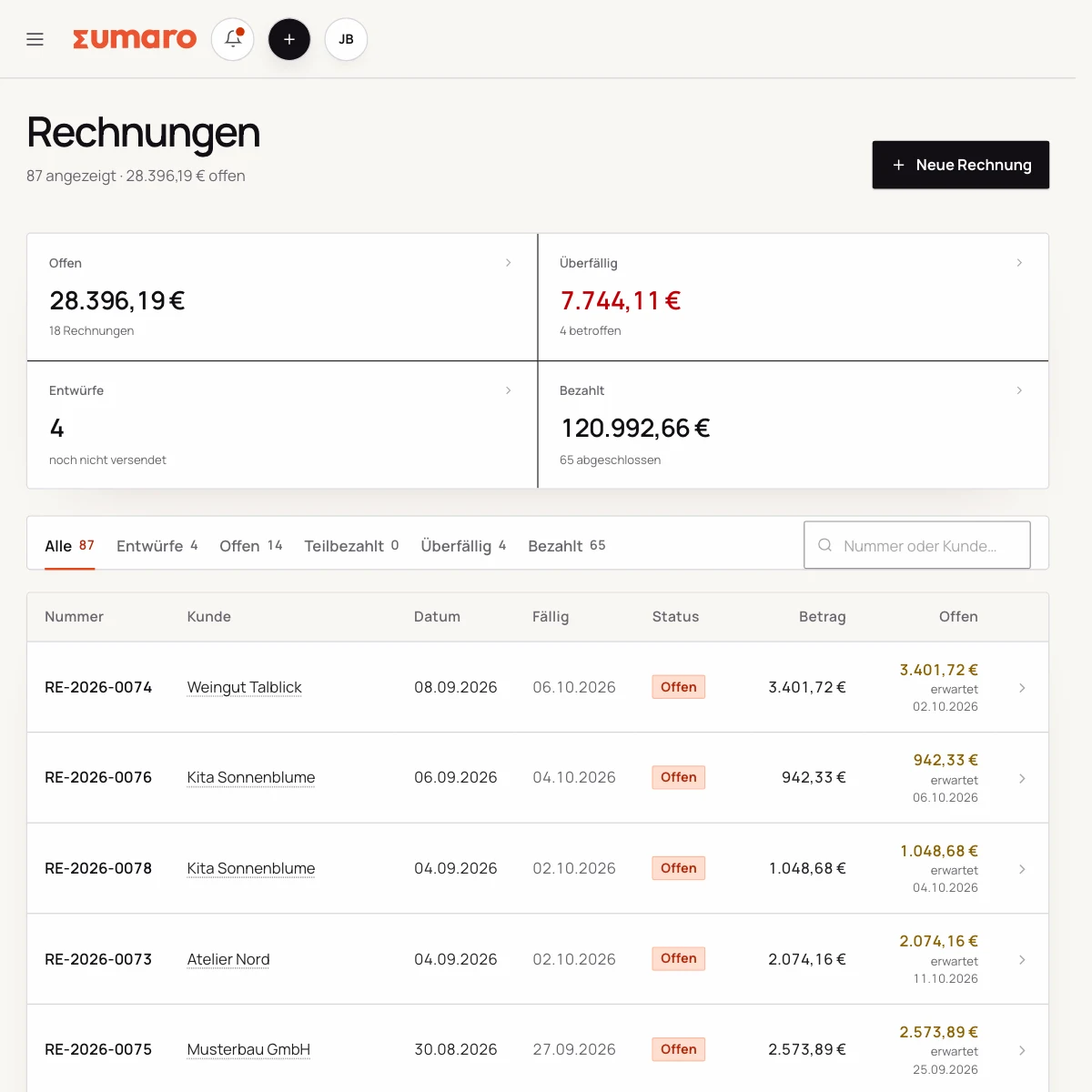
Sumaro invoice overview with fictional sample data
Real Sumaro interface · fictional sample data
Try free for 30 days
Ari for draft invoices
Sent after your review
Controlled approvals
The problem behind the problem

After the project, the invoice is often still missing.

The work is done, but hours, fee and client details sit in different files. If a job has not been invoiced yet, it does not show up on any list of open invoices. Sumaro helps you keep the two apart: not yet billed and not yet paid.

How Sumaro solves it

From the agreed service to the fee still outstanding.

Step 01

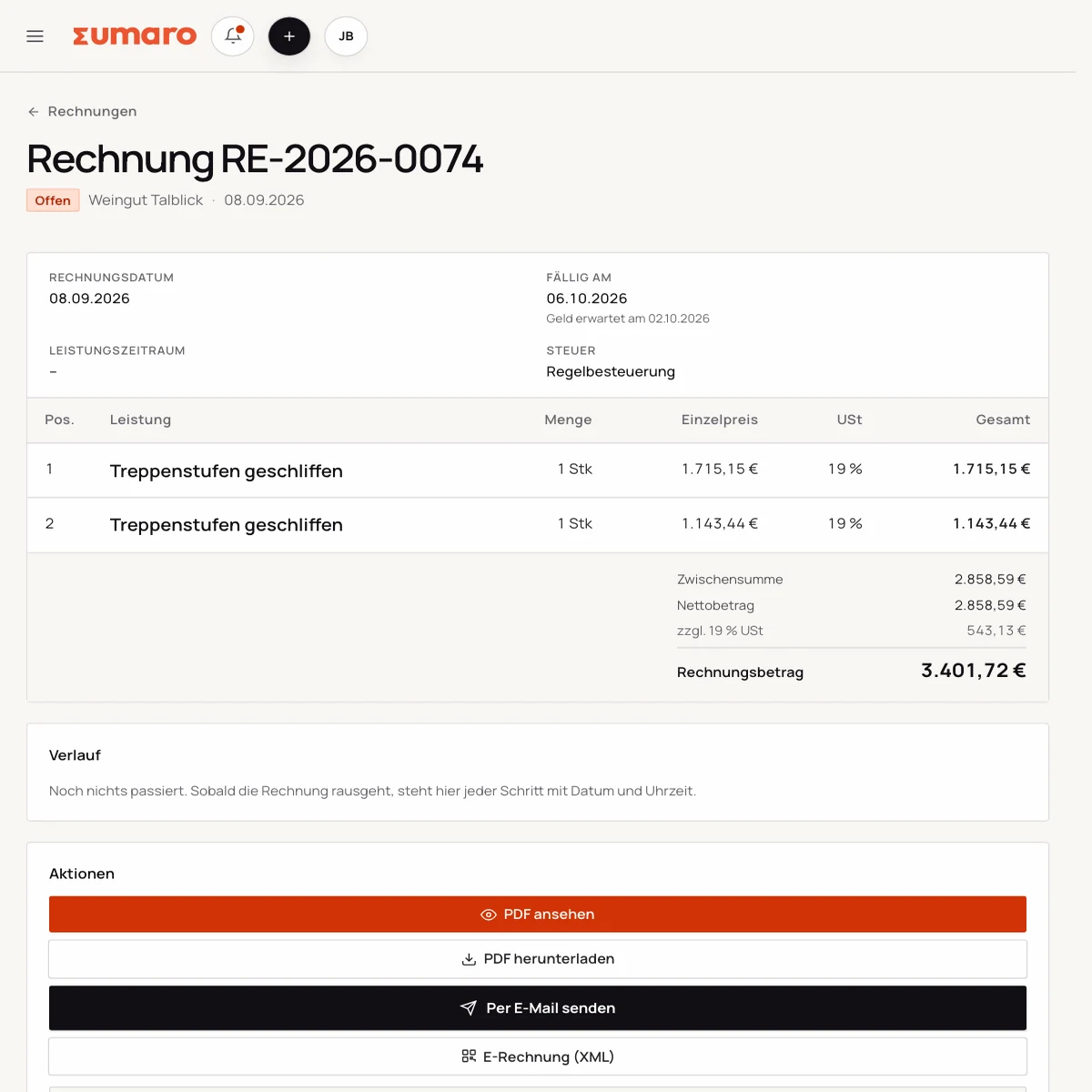
Prepare hours or flat fees as a draft

Tell Ari your service, the quantity and the price. For example: “Create a draft invoice for eight hours of consulting at €95.” That comes to €760 before any VAT that may apply. Check the client, service period and tax settings yourself.

  • Enter hours and unit price
  • Add project flat fees as a line item
  • Check the draft before sending
See the workflow
Real Sumaro interface with fictional sample data: preparing hours or flat fees as a draft
Step 02

Reuse existing clients and invoices

For a follow-up job, you don’t need to enter client details again. Use an existing invoice as the basis and adjust the service, period and price. For monthly work, you can have recurring draft invoices prepared. This is not a promise of automatic time tracking.

  • Maintain client details once
  • Use an existing invoice as the basis
  • Check recurring drafts
See the workflow
Real Sumaro interface with fictional sample data: reusing existing clients and invoices
Step 03

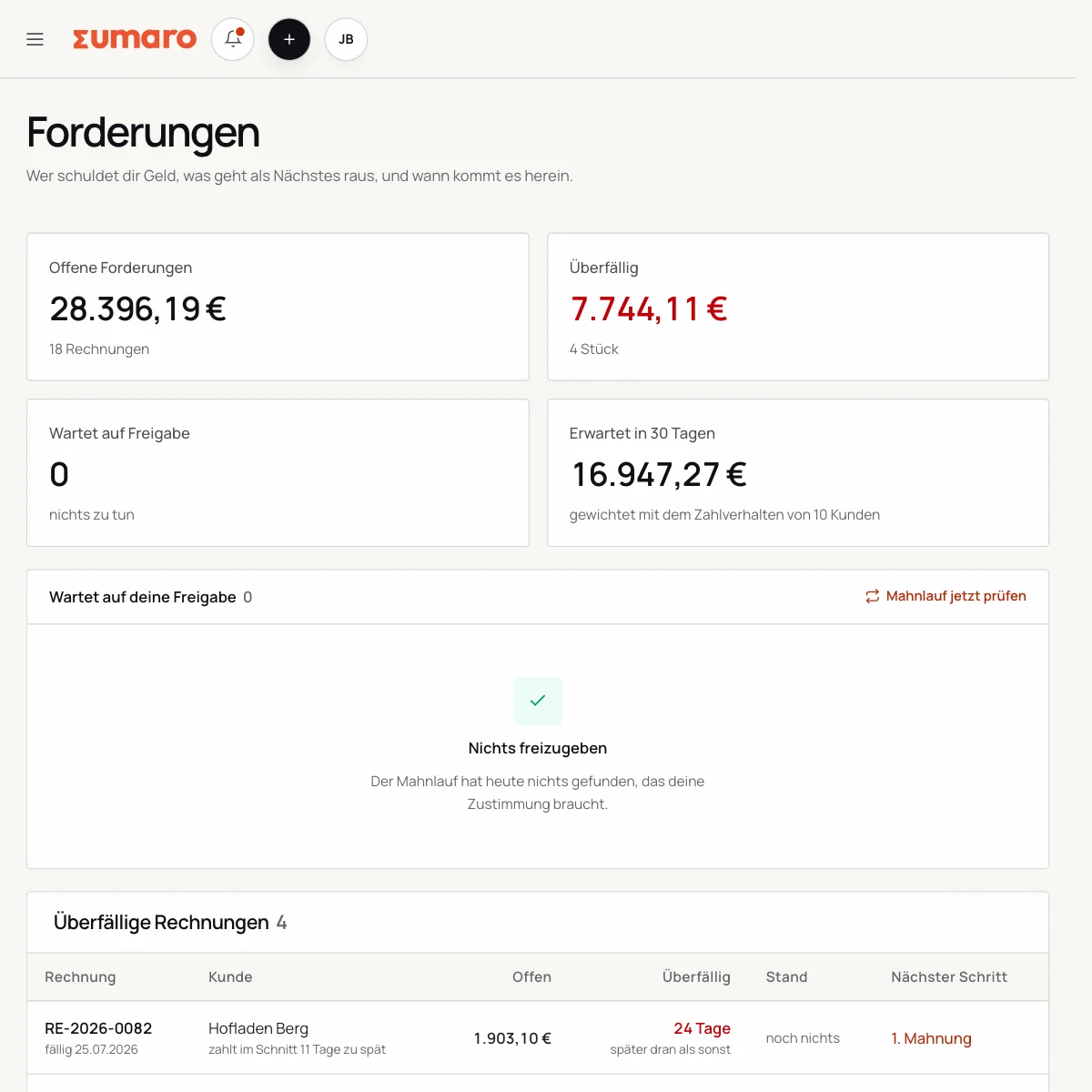
Look at open fees and reserves separately

A sent invoice is not yet a payment received. Sumaro shows open receivables and estimates tax reserves based on the data you have entered. You import bank transactions via CSV. Tax payments you have already matched are taken into account in the reserves.

  • Keep due dates in view
  • Reconcile bank transactions via CSV
  • Read reserves as an estimate
See the workflow
Real Sumaro interface with fictional sample data: looking at open fees and reserves separately
Questions before you start

What you want to know before the trial.

No feature promise without context. Here is what Sumaro prepares, what you check and how getting started works.

As a freelancer, am I automatically a small business owner (Kleinunternehmer)?

No. Freelance work and the small business rule (Kleinunternehmerregelung, § 19 UStG) are separate questions. Enter the tax details that apply to you in Sumaro. If you are unsure, clarify them with your tax advisor.

How does bank reconciliation work?

You import bank transactions as a CSV file and check the detected columns. Clear incoming payments can be matched to open invoices. There is currently no direct bank connection. Test your bank’s CSV export before you decide.

What does Sumaro cost after the trial?

You try Sumaro free for 30 days. The trial ends on its own. Only if you actively choose to subscribe do you pay €19 per month plus VAT. You can cancel the subscription any month.

The next step

Prepare your next client invoice in Sumaro.

Test the workflow with one draft, then decide whether Sumaro is right for you. Free for 30 days; the trial ends on its own.