PDF and XML from the same invoice data
Sumaro generates the visual invoice and the structured data from the same details. That way you avoid maintaining amounts or addresses twice.
- PDF view for recipients
- XML data for systems
- Shared invoice content
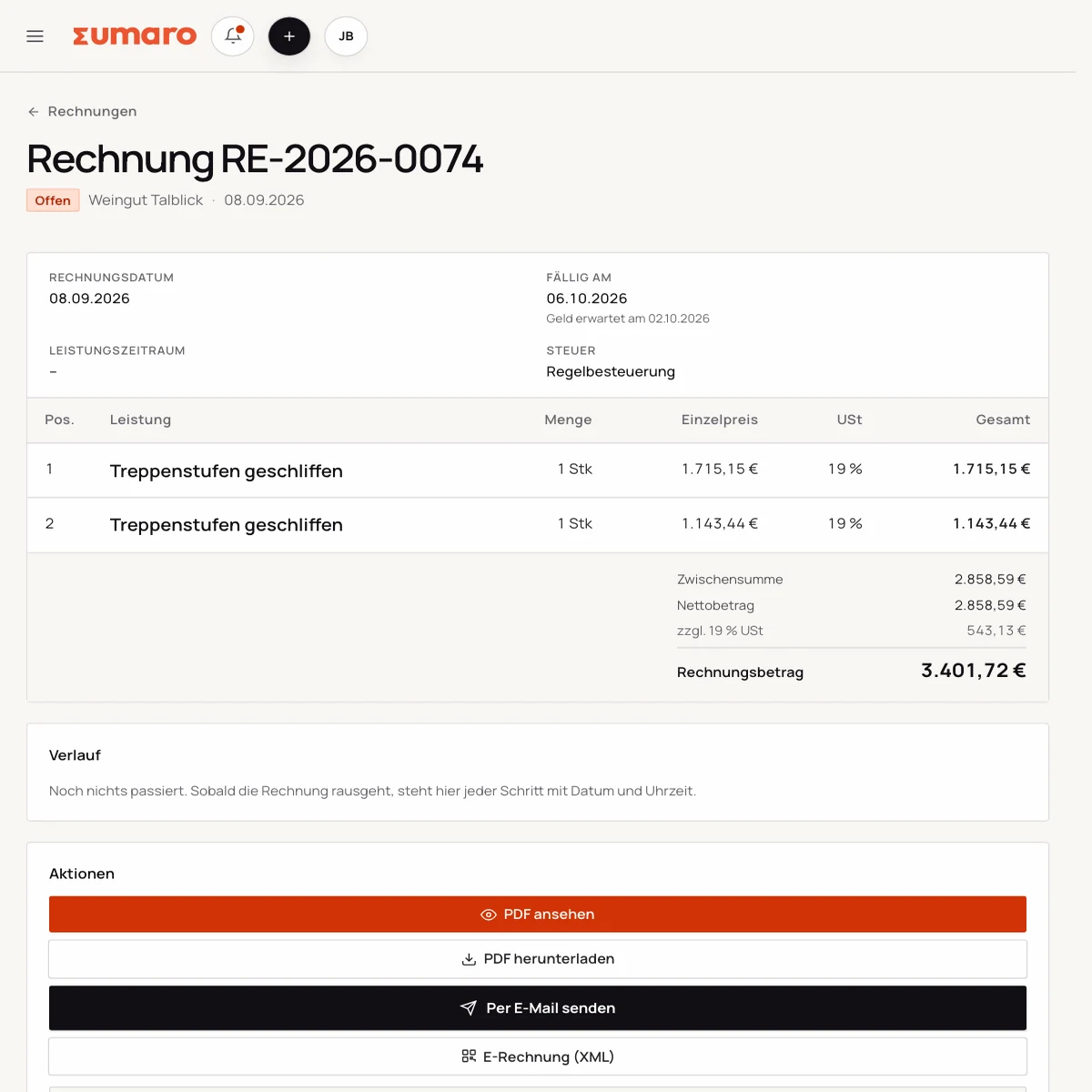
Sumaro generates the readable PDF invoice and the embedded XML data from the same invoice data. Due date, payment and filing then stay with the transaction.
When the PDF and the structured data are maintained separately, needless discrepancies creep in on amount, address or payment terms. ZUGFeRD gets easier when both outputs come from the same details.
Sumaro brings automation, AI help and a financial overview into one workspace. You copy less from one place to another and review the items where your decision really counts.
The actual time saved depends on your workflow. That is why you can measure it during the trial: time your current monthly routine once, then run the same client case in Sumaro and compare the review steps that remain.
AI help for estimates requires an enabled AI configuration. Sumaro deliberately describes automation and AI separately.
See Autopilot and the finance cockpit →Sumaro creates due invoice drafts in advance, with service period and payment terms, for you to review.
You import bank transactions as a CSV. Sumaro reconciles the imported transactions and matches unambiguous incoming payments to open invoices.
The daily dunning run prepares the letters that are due. Nothing is sent until you approve it.
Receipts from the monitored mailbox are collected regularly in one place for review.
Payment horizon, revenue gaps and an expected tax reserve show what matters next.
In short: Sumaro cuts the business follow-up work where it repeats every month. The Autopilot prepares plannable tasks, the AI helps with estimates, and the dashboard organizes incoming payments, open items, revenue gaps and the tax reserve. Critical steps deliberately stay reviewable, so you save time without giving up control.
With ZUGFeRD, people read the PDF and software processes the embedded XML data. Both must describe the same invoice. If the amount, recipient or tax details differ, the hybrid file can be rejected even though the PDF looks fine.
Sumaro generates the output from one shared invoice record. Before sending, you still check the visible version and the structured values. A shared source cuts out double entry, but it does not replace checking.
Not every client processes the same ZUGFeRD profile or accepts every transmission channel. Ask about profile, version, portal and additional references. For public-sector clients, XRechnung may be the right standard, while a B2B client may prefer a hybrid file.
Record the recipient’s answer on the project. If the requirement changes later, you can trace why a different output was generated and which file was actually sent.
The visual invoice is only one step in the job. Status, due date, partial payment and dunning stay in the same workspace. That way you can answer a client question without first digging the original XML file out of an archive.
The app supports an orderly process, but it makes no promise of external certification and no blanket promise of compliance. With e-invoices, drawing that line matters more than an inflated marketing term.
To start, pick a client who explicitly accepts the hybrid file. Check the PDF, the embedded data and the agreed transmission channel. Only then switch further templates to ZUGFeRD.
If the invoice is rejected, the record stays complete. You can then trace which version was sent and which recipient requirement is still missing.
No feature promise without context. Here is what Sumaro prepares, what you check and how getting started works.
The PDF and the embedded structured data must have the same content. Also check the recipient’s profile, version and transmission channel.
Yes. Sumaro uses the shared invoice record for the structured output. You check the content and the recipient requirements before sending.
Create an invoice, check the PDF and the embedded data and agree on the delivery channel with the recipient. That way you replace guesswork with a concrete workflow.